
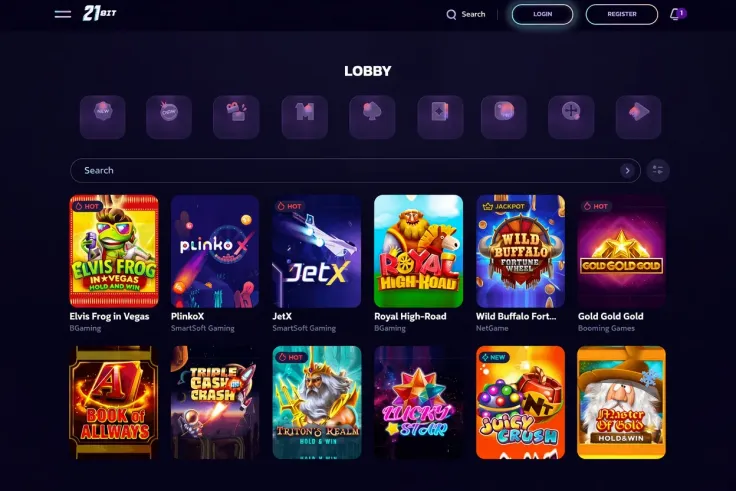
Your 21Bit Casino deposit starts in the cashier of your account, and the steps above show the order from login to confirmation. Before you begin, have your payment method to hand and make sure it is one that is in your own name.
The table above shows what is stated for each payment method. Everything below covers what stands behind those steps and what to do when a payment does not go as planned.
What stands behind a deposit

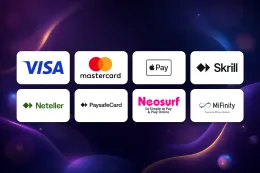
The payment methods listed for 21Bit Casino are: Visa, Mastercard, Apple Pay, Skrill, Neteller, Paysafecard, Neosurf, MiFinity, Jeton, Bank transfer, Bitcoin, Ethereum, Litecoin, Tether (USDT), Ripple (XRP), Dogecoin, Tron and Bitcoin Cash. That is a long list, and it mixes cards, e-wallets, prepaid vouchers, bank transfer and several cryptocurrencies. They do not all behave the same way. A card or bank transfer is tied to a bank account, an e-wallet is tied to a separate balance, and a cryptocurrency payment depends on the network and the wallet you send from. Read the entry for your chosen method in the table before you commit.
Identity checks are part of the account. 21Bit Casino requires identity verification, and the documents that may be requested are: ID card, passport or driver's licence, Proof of address and Proof of payment method ownership. You do not need every document for every step, but it is sensible to know where yours are. The list includes proof of payment method ownership, which tells you something useful: the method you use for a deposit should belong to you. Use a card or wallet that is yours.
Choose the method before you open the cashier, not while you are in it. Check that the method works for you in practice: that your card is active, that your e-wallet has funds and that you know your login for it. Do not plan around a particular arrival time for your money. Once you confirm a payment, check your balance in the account before you do anything else.
For the documents, clear and complete copies save time. Photograph each one flat, in good light, with all four corners visible and nothing covered. Make sure the name matches the name on your account, because a mismatch is the simplest reason for a document to be sent back.
If you want the other side of the process, the withdrawal guide shows how money leaves the account and which methods are marked for withdrawals.
18+ · T&Cs apply
When a deposit does not go through

A failed payment is usually a small problem, and there is a sensible order in which to check it.
- Check the basics. Confirm that the amount, your card or wallet details and the method you chose are correct. A single wrong digit is enough to stop a payment.
- Check the funds. Make sure the money is actually available on the card, wallet or account you are using.
- Check the method. If one method fails, look at the table above and consider whether another listed method suits you better. Stay with methods in your own name.
- Look for a pending payment. If the payment appears to have gone through but your balance has not changed, do not repeat it straight away. Check your bank, wallet or crypto record first, because a second payment would mean paying twice.
- Ask your provider. If a card or wallet payment is declined, your bank or wallet provider can often tell you why. Their message is worth reading before you contact the casino.
- Contact support. 21Bit Casino offers live chat and email, and the support hours are 24/7. There is no phone line. Describe the problem, name the method and amount, and give the time of the attempt.
If support asks for documents, the list of what may be requested is ID card, passport or driver's licence, Proof of address and Proof of payment method ownership. Send clear, complete copies rather than cropped photos, and do not try to work around an identity check. A rejected document usually needs a better copy, not a different story.
For a problem with a crypto payment, keep the transaction record. It is the most useful thing you can show support.
Staying in control of your deposits

Enter your password only on 21Bit Casino's own website, never on a page you reached from a message or an unfamiliar link. Nothing on a review site should ever ask for your card details.
Decide on an amount before you open the cashier and stick to it. Do not top up in the middle of a session because a deposit failed or a game went badly. Make it an amount you can afford to lose. If your account offers deposit limits, set one before you start, since it is easier to keep to a limit you chose calmly. Keep your phone or computer protected with a passcode and an up-to-date browser, and do not save passwords on a device that others use. Keep your documents ready so that a request from support does not leave you scrambling, and keep your payment records in case you need to refer to them later.
If you cannot log in, contact support through live chat or email before you try again and again.