

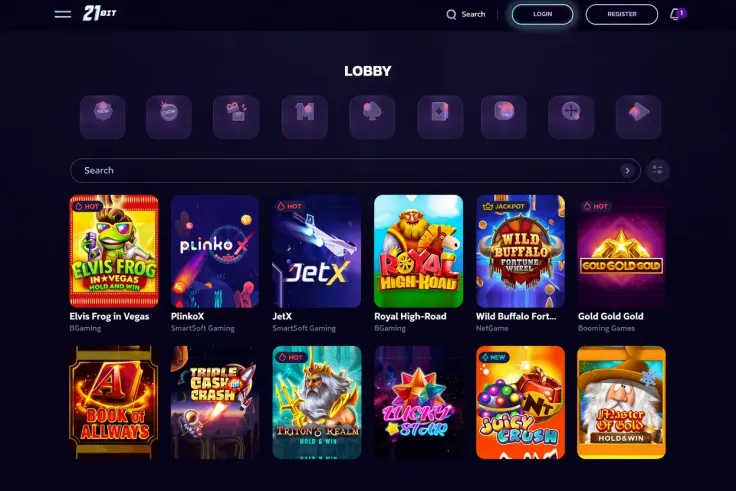
Your 21Bit Casino login takes place on the 21Bit Casino website, in a desktop browser or on the mobile site, and nowhere else. This page has no login form: it explains what happens when you sign in and what to do when access fails.
Before you start, have the email address or username and the password you chose when you registered, and use a browser you keep up to date. If you have not opened an account yet, register with 21Bit Casino first, since there is nothing to sign in to until registration is complete.
The steps above show the sign-in itself, and the table lists where you can use the account and when support is available. Below you will find what stands behind those steps, the problems that come up most often and how to keep the account secure and under your control.
What happens when you sign in
Signing in checks one thing: that the email address or username and the password you enter match the account. Both must be exact. A password with a capital letter in the wrong place, an extra space copied along with it or an old version saved by the browser will not match, even if the rest is right.
21Bit Casino has no iPhone or Android app, so on a phone or tablet you sign in through the browser. The website works on desktop and mobile, and the mobile version of the site is the one you use on a smaller screen. The sign-in details are the ones you registered with, whichever device you use.
Logging in is separate from verification. 21Bit Casino requires account verification, and the documents it asks for are ID card, passport or driver's licence, Proof of address and Proof of payment method ownership. These checks confirm that you are 18 or older, that the account belongs to you and that the payment methods on it are yours.
Each type of document covers a different check:
- Identity: an ID card, passport or driver's licence shows your name, photo and date of birth. Use one that is current and easy to photograph in full.
- Address: proof of address should show your full name and current address clearly, matching what you entered at registration.
- Payment method: proof of ownership links the payment method to you. The name on it should match the name on your 21Bit Casino account.
What usually takes time is not the login but the documents. A photo with a corner cut off, glare across the text, an expired card or a name spelled differently from the account can mean sending the file again. Take each photo on a flat surface in good light, with every edge visible, and check that the text is readable before you upload it.
The guide to verifying your account goes through each document in more detail, including how to prepare files so they are accepted the first time.
18+ · T&Cs apply
Common login problems and what to do

Most problems with signing in have a simple cause. Work through the fixes below in order before you contact support.
You have forgotten your password
Use the password reset option on the login screen, shown in the steps above, and follow the instructions to set a new password. Choose one you have not used on any other website, and save it in a password manager so the same problem does not return. If the reset does not work, support can help.
The details are not accepted
Check the email address or username letter by letter, and make sure caps lock is off. If the browser fills in the password for you, delete it and type it by hand: a saved password from before a reset is a frequent cause. Also check that you are using the email address you registered with, not another one you own.
The page will not load or keeps returning to the start
Refresh the page first. If that fails, clear the cache and cookies for the website, update the browser or try a different one. Extensions that block scripts or pop-ups can stop a login page from working, so pause them for the website. On a phone, switching between mobile data and Wi-Fi sometimes helps.
It works in one browser but not another
If the same details work in one browser and fail in another, the cause lies in the browser, not the account. Update the one that fails, clear its cache and cookies, and check that the date and time on the device are set automatically, since a wrong clock can break secure connections. Private or incognito mode is a quick way to test whether saved data is the problem.
A document is rejected
Read the reason if one is given, then send a new copy that fixes it: the whole document in frame, sharp text, no glare, and a name that matches the account. Do not edit or crop the image.
When to contact support
If you still cannot get in, contact 21Bit Casino support by live chat or email. Support is available 24/7; there is no phone line. Give the email address or username on the account, describe any error message and list what you have already tried. Never send your password in a chat or an email.
Keeping your account secure

Enter your password only on the 21Bit Casino website. Before you type it, check the address in the browser bar, and after your first visit save the website as a bookmark and sign in from there. Treat any link in a message that asks you to log in with caution, and open the website yourself instead. If you notice activity on the account that you do not recognise, change the password straight away and tell support by live chat or email.
A few habits keep the account in your hands:
- Use a long password that you use nowhere else, stored in a password manager.
- On a shared or public device, do not let the browser save your password, and log out when you finish.
- Keep the verification documents current and in one place, so you can upload them without a search.
- Update your browser and phone system when updates are offered.
Control matters as much as security. If the account offers deposit limits, set one when you sign in for the first time, at an amount you are comfortable losing, and leave it in place. The safer gambling page explains limits, time-outs and other tools that help you keep play in proportion.