
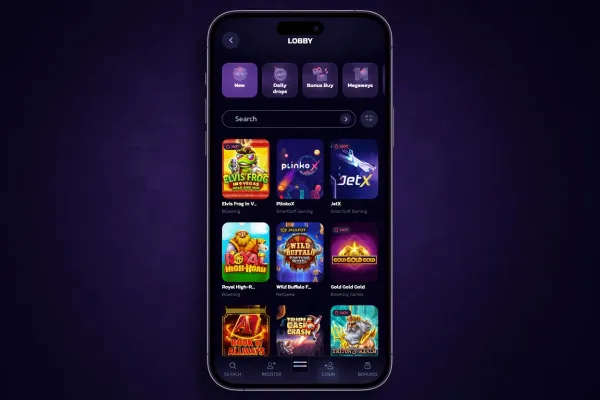
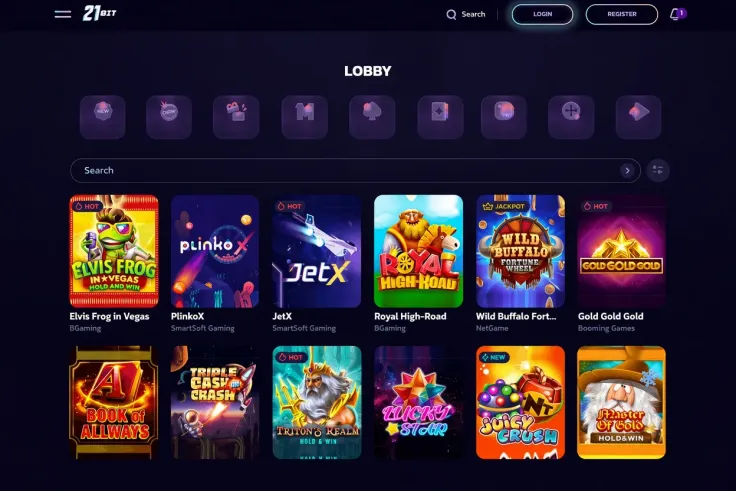
21Bit Casino has no iPhone app, so there is nothing to find in the App Store. On an iPhone you play the casino in the Safari browser through the mobile site, and this page explains what that means in practice.
What you get on an iPhone

The mobile site is the whole offer for iPhone. You open the casino in Safari, then log in or sign up there. 21Bit Casino also has a live casino section, and the site is where you reach it.
Because there is no app, there are no app-only features to look for. No exclusive bonuses, no offline play and no separate iPhone lobby exist. What matters is the browser and the connection: a current version of iOS and a stable network. If a page loads slowly or a game stops, check the connection first, then reload the page in Safari.
If you want quicker access, Safari lets you save the casino to the home screen as a shortcut, as the steps above show. The shortcut is a link to the website, not an app, so it opens in the browser like any other page.
Playing without an app

Since 21Bit Casino has no iPhone app, an iPhone app for the casino does not exist. A listing, or a download offered on a website, in a message or in an advert, that claims to be the 21Bit Casino app should be treated as unrelated to the casino. Do not install apps or profiles from unknown sources, and do not accept a prompt from a website to install one: a file like that can capture your login details.
The safer route is the one in the steps above. Open Safari, type the casino address yourself or use your own bookmark, and check that the page in the address bar is the one you meant to visit before you enter a password. The mobile version page gives the same route for any phone, if you use another browser.
Safari updates with iOS, so keeping the phone current is the one upkeep job for the browser side of things. There is no separate casino app to update, and no app permissions to approve.
Practical points on iPhone

- Lock the phone. Use a passcode or Face ID or Touch ID lock, and do not let Safari save the casino password on a phone that others use.
- Watch your data. Game pages and live streams use mobile data. Wi-Fi you trust is a better place to log in than public Wi-Fi, and it is worth checking your data plan first.
- Set limits. If the account offers deposit limits or time-outs, set them before you play. Gambling is entertainment that costs money, so keep deposits to what you can afford to lose.
- Log out on shared devices. If anyone else uses the phone, log out when you finish and remove the saved password from Safari.
- Keep the address clean. Type the address yourself or use a bookmark, rather than following a link in a message or an advert.